3 AI Music Video Workflows: Lyrics, Melody, or Visuals First
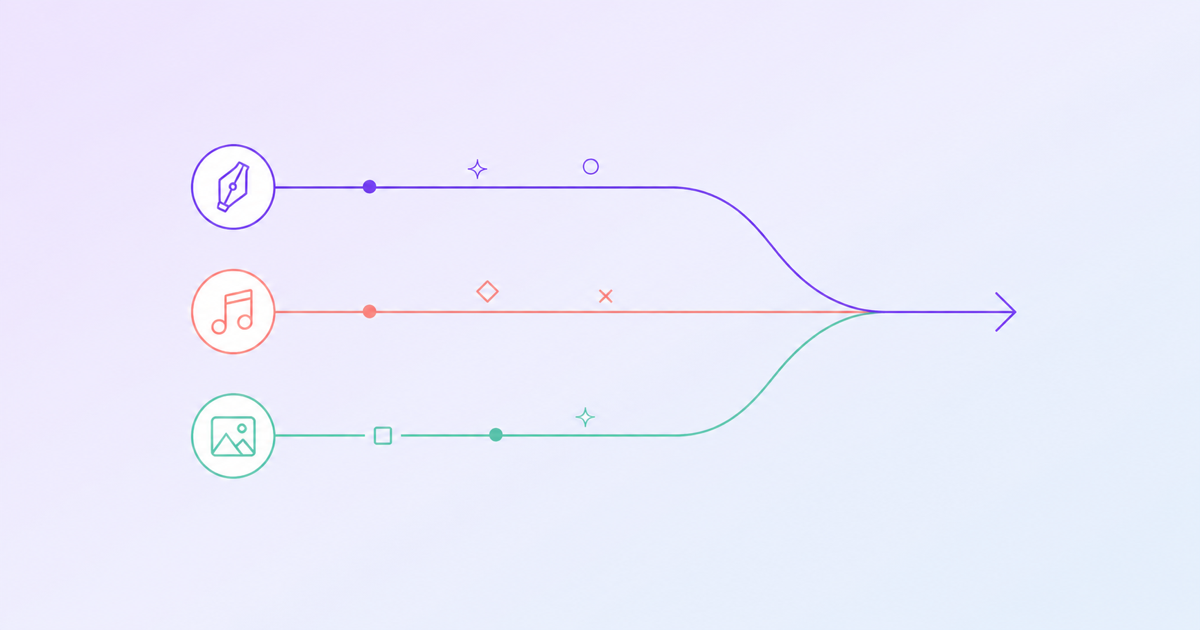
Three workflows for making an AI music video: lyrics first, melody first, or visuals first. Which one fits your process and gets you finished?
Kevin Gabeci
The first time you sit down to make an AI music video, you have to decide where to start. The tools will happily let you begin from anywhere: a line of lyrics, a hummed melody, a single image that captures a mood, or just a prompt like “late-night synthwave about giving up.” Because the tools are flexible, the question of where to start becomes a real creative decision, not a technical one.
People don’t talk about this enough. Everyone’s attention goes to the model quality, the render time, the voice options. But the workflow you pick, the order in which you generate pieces, shapes the final video more than any of those. Start from the wrong place and you’ll spend your session fighting the tool. Start from the right place and the tool feels like it’s reading your mind.
What’s the right place? It depends on what kind of creator you are. Here are the three workflows that consistently produce good results, who each one is for, and how to actually run it.
Workflow 1: Lyrics first
This is the songwriter’s workflow. If you’re the kind of person who starts in a notebook, who thinks in lines before hooks, who can describe the feeling of a song in prose before you can hum it, this is your path.
The core of the lyrics-first workflow is: you write the lyrics as if you were writing a poem you intend to set to music later. Short lines, concrete images, a clear emotional arc. Then you hand those lyrics to the audio generation layer and say “make this into a song,” and let the model pick the melody, the tempo, the instrumentation. You judge the result on whether it carries the feeling of the words.
When it works. Lyrics-first shines when the song is about something specific, when it has a story, when there’s a payoff. If you can describe the video in one sentence (“it’s about the morning after a party that went wrong”), lyrics-first will get you there. The words already encode the mood. The music will follow.
When it breaks. Lyrics-first fails when the song is really about a feel or an energy rather than a narrative. “It’s about going really fast” is not enough of a brief for lyrics. If you’re writing a dance track, a trance track, or anything where the song is about the sound more than the story, you’ll bend the lyrics into awkward shapes trying to guide the model and end up with words that read like filler.
How to run it.
- Write a full draft of lyrics. Verse, chorus, verse, chorus, bridge, final chorus is the default structure. Don’t worry about rhyme yet.
- Read the lyrics out loud. Cut anything that feels clever rather than true. AI music vocals punish cleverness because the phrasing gets mechanical.
- In a separate document, write one sentence for each section describing what the music should feel like during that section. “Verse 1: quiet, intimate, almost whispered. Chorus: lifting, bigger but not loud.” This becomes your prompt for the instrumentation.
- Generate the song.
- Now derive visuals. Read each section of lyrics and write one sentence describing what’s on screen. The concreteness of the lyrics will make the visual prompts write themselves.
The lyrics-first workflow is the one that works best for storytelling musicians. It’s also the one where the writer’s share of the craft stays largest. You’re doing the hard thinking. The tools are doing the performance.
Workflow 2: Melody first
This is the musician’s workflow. If you hum things before you write them, if you’d rather play something than describe it, if your song starts as a voice memo with no words, this is your path.
The melody-first workflow inverts the lyrics-first one. You start by recording a melody (vocal, hum, whistle, piano sketch, whatever you’ve got) and upload it. The audio generation layer either cleans up what you gave it and adds backing, or uses your melody as a guide track and generates a fuller arrangement around it. Only after the music is fully formed do you go back and either write lyrics to fit, or ask the model to generate lyrics that match the contour of your melody.
When it works. Melody-first is the right call when the hook is the thing. When the song lives in the way it rises and falls, the shape of the melody itself, the way the chord changes hit. If a friend could whistle your song back to you after hearing it once, you’re melody-first by nature.
When it breaks. Melody-first struggles when you care about the words. Generated lyrics that match a specific melody contour tend to be generic, because the constraint is heavy (specific number of syllables per line, specific stress patterns, vowel sounds that need to land on the long notes). You can regenerate a lot and eventually get something good, but the words will almost never be as sharp as words written freely on their own.
How to run it.
- Record the melody cleanly. Phone voice memo is fine. Just make sure it’s in tune and the tempo is steady.
- Upload it as a reference. Set the energy and instrumentation direction as prompts (not the melody itself, just the feel around it).
- Generate the backing track and the final arrangement. Iterate until the arrangement feels like it serves the melody, not competes with it.
- Write lyrics last, or ask the model for a lyric pass you then edit by hand. Edit aggressively. The generated first pass will be generic. The edit pass is where you make it yours.
- For visuals, work from the structure of the music. Where the melody rises, the visuals should open up (more motion, more light, wider framing). Where it falls, the visuals should contract. Let the song’s shape dictate the video’s shape.
Melody-first gives you the most musical videos. The sync between audio and visuals is tight in a way that lyrics-first sometimes isn’t, because you built the video after the music was already there to anchor it.
Workflow 3: Visuals first
This is the director’s workflow. If you think in images, if you can describe a scene before you can write a line, if your songs start as “it would look like this” more than “it would sound like this,” this is your path.
The visuals-first workflow starts with a single image or a short mood-board of three to five images that capture the aesthetic of the video you want to make. Those images become the reference for the visual model. Then you ask the audio generation layer to produce music that matches the mood of those images: tempo, energy, instrumentation, maybe even the specific vibe (lo-fi, synthwave, ambient, orchestral). The music gets written after the visuals have set the rules.
When it works. Visuals-first is perfect for ambient, cinematic, and instrumental work. Soundscapes. Trailers. Music designed to accompany something visual by nature. It also works well for strongly aesthetic genres (vaporwave, dreampop, phonk) where the visual identity is inseparable from the sonic identity.
When it breaks. Visuals-first falls apart when the song needs to be a song in the traditional sense. Verses, choruses, lyrics that land, hooks that repeat. If your video needs to sync to specific words on specific beats, starting from visuals is backwards. You’ll end up generating music that doesn’t have room for the words you haven’t written yet, then trying to squeeze lyrics into a space that isn’t shaped right for them.
How to run it.
- Build your reference board. Three to five images. All of them need to share a palette and a mood. Be ruthless about cutting anything that doesn’t fit.
- Write the world sentence: “What reality do these images live in?” One sentence. This is the anchor for everything downstream.
- Prompt the audio layer for instrumental music that fits the world sentence and the images. Don’t ask for lyrics yet.
- Iterate until the instrumental track feels like the soundtrack to a film you haven’t made yet.
- If you want vocals, add them last. Consider making them wordless (vocalise, hums, vowel sounds) rather than lyrical. A wordless vocal fits a visuals-first project far better than a shoehorned lyric.
- Generate scenes that extend the reference board into video form. The reference board is the aesthetic. The scenes are specific moments that live in that aesthetic.
Visuals-first produces the most cinematic output. It also produces the most unusual output, because you’re not constrained by the shape of a pop song. If what you want is something that feels like a short film with music, this is your workflow.
How to figure out which one is yours
You don’t have to pick once and stay there. Most creators who’ve been doing this a while have a default workflow but switch depending on the project.
The fastest way to figure out your default: finish the sentence “A song, for me, starts when I __.” If the answer is a line of words, you’re lyrics-first. If it’s a melody, you’re melody-first. If it’s an image or a feeling you’d describe visually, you’re visuals-first. That’s not a personality test. It’s just a signal about where your creative attention naturally lives, and the tool you’re using is going to fight you less if it starts where your attention does.
The wrong instinct is to pick based on what you’re best at. If you’re a visual person who writes mediocre lyrics, the lesson isn’t “avoid lyrics-first because you’re bad at lyrics.” The lesson is usually “your visual instinct is already doing the work you think your lyrics should be doing.” Lean into the thing that’s already working. The tool will cover for the parts you’re weak at.
A small note on stopping rules
One thing that applies to all three workflows: decide ahead of time how many iterations you’re going to do, and stick to it. AI tools invite infinite regeneration. That’s a feature when you’re exploring and a trap when you’re shipping.
My rule, for what it’s worth: three generations per component, then commit. Three vocal takes, three instrumental versions, three rounds of scene regeneration. If the third version isn’t better than the second, I’m not a generation away from the answer. I’m stuck on the wrong idea and I need to rethink the brief, not retry the model.
The creators who ship the most are not the ones with the best taste. They are the ones who know when to stop generating and start cutting.
The meta-point
The reason workflow matters is that AI music video tools are new enough that everyone’s still figuring out the grammar. We know the models can do almost anything. We’re still learning what to ask them to do.
The three workflows above aren’t the only ones. They’re just the three that show up most often when you watch creators actually work. Pick the one that fits your brain, stick with it for a few projects, learn what it does well and where it breaks, then try another one on a project where the first one won’t work. Over time you build a repertoire, and the tool stops being a blank slate and starts being an instrument you know how to play.
That’s the goal. Not to find the one true way to use these tools, but to get fluent enough that the tools feel like yours. You try a workflow in Melodex, you see where it breaks for you, you adapt. The sooner you start, the sooner you find your version of it.
Frequently asked questions
- Which AI music video workflow is the most popular?
- Melody first is the most common workflow for working musicians because it starts from the audio they already have or are generating. Lyrics first is rising fast among AI-native creators. Visuals first is the rarest but produces the most distinctive videos when it works.
- Can I switch workflows mid-project?
- Yes, but it costs you. Most tool chains are easier to run forward than to reverse. If you start melody first then try to swap in new lyrics late, the timing rarely lines up. If you start visuals first then try to fit a song to it, the song often feels secondary. Pick the workflow that matches your strongest input.
- Which workflow is best for faceless YouTube channels?
- Visuals first or melody first, depending on the niche. Lo-fi study channels usually run melody first since the music drives retention. Synthwave or aesthetic-driven channels often run visuals first because the look is the brand.
- Do I need to be a musician to use the lyrics-first workflow?
- No. Lyrics first pairs well with AI audio tools like Suno or Udio that generate full instrumental tracks from a written brief. Many AI-native creators have shipped releases without ever picking up an instrument.
- What is the biggest mistake new creators make with these workflows?
- Trying to force one workflow because they read it works for someone else. Your strongest input wins. If you write words easily, lyrics first. If you hum tunes in the shower, melody first. If you save mood boards on Pinterest, visuals first. Match the workflow to where ideas already come from for you.
- How long does each workflow take end to end?
- Roughly the same total time for an experienced creator, around one to three working days. Beginners spend longer on lyrics first because writing fits the AI's grammar takes practice. Visuals first takes longest for beginners because matching a song to existing visuals is unforgiving.
- Can I combine workflows?
- Some creators run a hybrid: a short visual seed kicks off melody first writing, which then gets lyrics fitted on top. Hybrid usually only beats single-workflow output once you have a few full projects under your belt and know where each tool plateaus.
Keep reading
How to Write Song Lyrics With ChatGPT and Claude
Prompt patterns, structure templates, and cliche avoidance for writing songs with LLMs. Plus when to switch to a music-specific tool.

How to Monetize AI Music on YouTube in 2026
Disclosure rules, Content ID, RPM benchmarks, and channel structure. What gets demonetized and what earns five figures a month.